Examples · 5050
+ Media Examples
The + Media variant's four media containers (Skyscraper, Vertical Media, Square, Letterbox) across the density ramp, plus the compact data state. Settings are configured per use.
01
Media containers & data
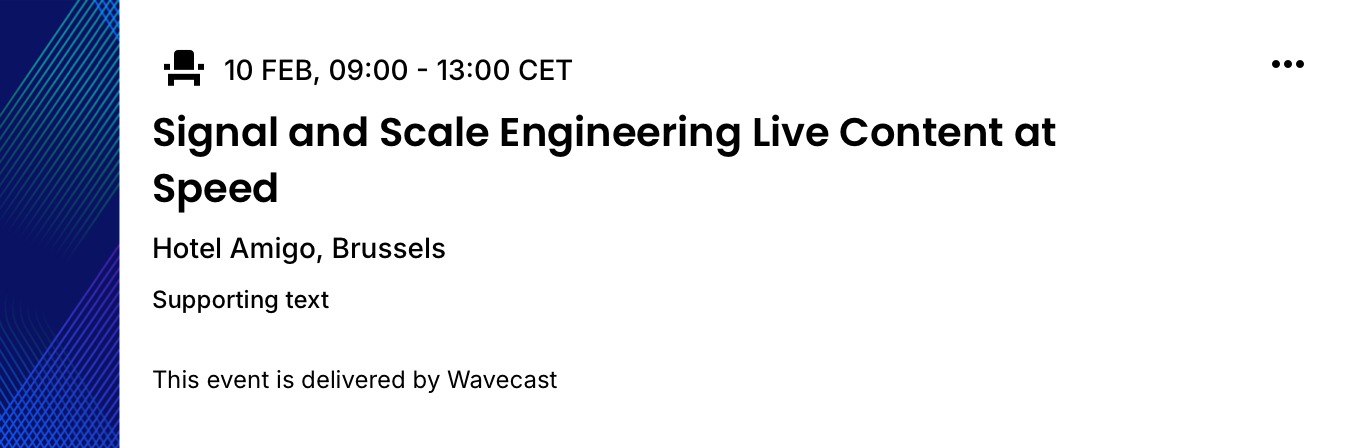
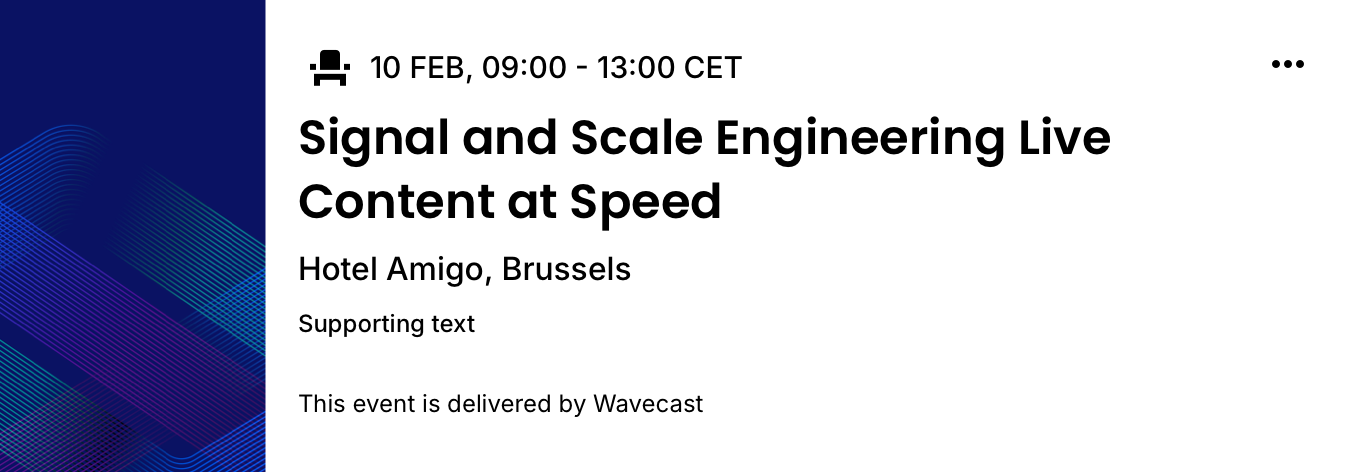
6C · two-up grid6C cards are half a 5050 split, so they render two-up, previewed here in the 2-column grid they actually appear in, at the real Hub 16px gutter, in Light and Dark. The four media containers (Skyscraper, Vertical Media, Square, Letterbox) span the density ramp across the top two rows in full data, then the compact data state on the bottom row.




Notes
- Cards scale to the column to mirror the real two-up 5050 split; the grid is 2 columns. The media container is a setting on one component; the copy slots and type ramp are unchanged across all four.
- Letterbox (3:1) is the container; the sponsor logo + "in partnership with" tagline are a separate overlay on it (white in both modes), not part of the container. Shown at Large here; Small and Medium use the same container (examples to follow).
- Title_Short precondition. The Square container at Large narrows the copy area, so the data must supply
Event Title_Short. Authors selecting Square at a larger size are prompted for the short field. - Supporting slot and Footnote are settings-driven optional slots, present in full data, hidden in the compact (bottom) row.
Events · Cards · 5050 · + Media · Examples
The three media containers beside the same Essentials copy, and the compact vs full data state. Square at Large requires Event Title_Short.
The three media containers beside the same Essentials copy, and the compact vs full data state. Square at Large requires Event Title_Short.